409: Midterm
Site Info
Basic Design
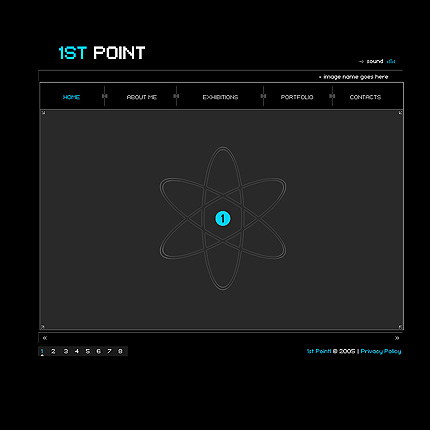
The layout idea came from Templates Heaven, the center one on the bottom. It's a Flash site, but it looked clean and simple, so I decided to try to convert it to XHTML + CSS. I think I did a rather good job.
Since Templates Heaven will probably change around the links, here's a still graphic taken from the Flash:
I created the divider images
( )
by myself, trying to copy the ones on the site, but the color codes seem to be a bit
off. Oh well, #808080 and white will have to do.
)
by myself, trying to copy the ones on the site, but the color codes seem to be a bit
off. Oh well, #808080 and white will have to do.
When I design any site, I create a dummy page using random text as a placeholder so I could see how the site would look (and how it would expand) with a lot of text, such as this page. Even though I never link the dummy page from the site, I leave it on the server for future testing. You can see this site's dummy page here.
Organization of Information
All UNIX information is on one index page, and all pages are clearly linked in the menu up top. Although rather simplistic, UNIX itself is simple text and this site reflects that.
Content
This tutorial contains three basic pages: the index page, a brief introduction to UNIX, and this site information page. The required twenty pages of commands fills out the rest.
Navigation
The menu on top of this page provides all the global navigation required: a link to my WDI index page, an introduction to UNIX, this site information page, and a sub-global MAN-type listing of twenty UNIX commands.
Use of CSS
This entire site is driven by one CSS page. As you can see from the CSS source, the three main divs are enclosed in a global div and positioned in the center of the page in their intended locations. All layout, navigation, positioning, text, images, fonts, and colors are handled by the CSS.

