Methods Used

April 28, 2004:

  • Created tenative map of what I wanted in each room
  • Downloaded all images that I needed
  • Cropped out unnecessary parts and saved as x_revised
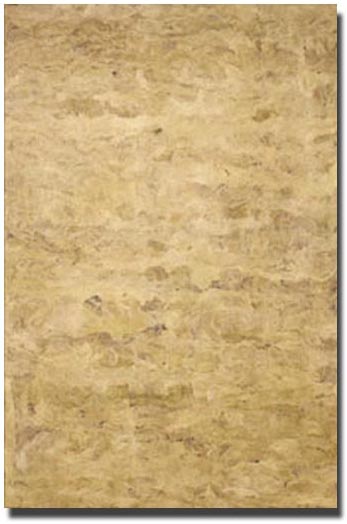
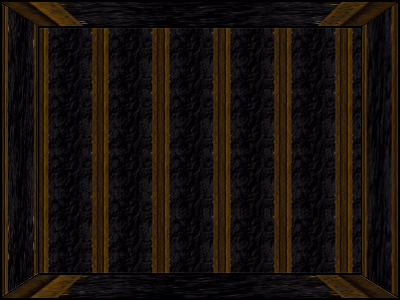
  • Created the room using a tileable background
  • Put all elements in according to the map - had to revise as I went because some stuff didn't fit right
  • Updated this page and documented all images in Resources Used
  • Added copyright notice to this page and Resources Used
  • Added link to main page to project 3


  1. Resized background tile to 15% original
  2. Painted far wall with tile as paintbrush
  3. Stretched/skewed tile for floor, ceiling, and side walls
  4. Flattened walls/ceiling/floor layers into one image
  5. Optimized for web from 256 colors to 32 colors and reduced filesize from 352kb to 53.77kb with interlacing


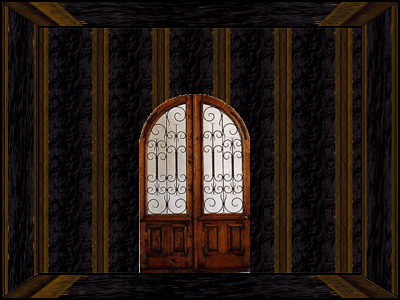
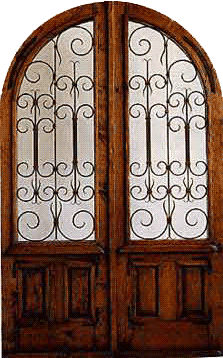
  1. Copied blank room to new image
  2. Pasted door at 30% original size
  3. Flattened all layers
  4. Optimized for web from 256 colors to 64 colors and reduced filesize from 394kb to 72.6kb with interlacing


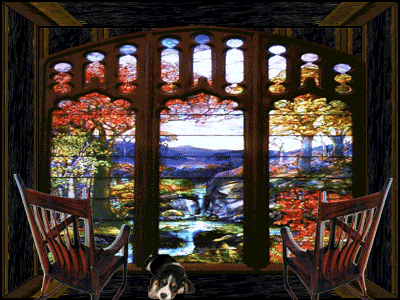
  1. Copied blank room to new image
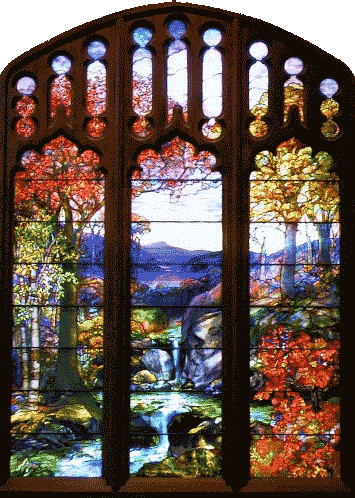
  2. Added the Bay window at 50% original size and stretched to make it fit the far wall
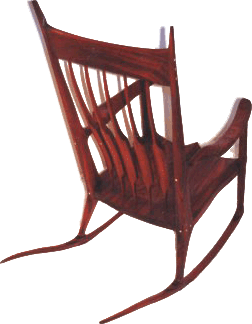
  3. Added chair twice, reversing on the right
  4. Auto-levels and auto-color to darken and make it look more realistic with the room colors
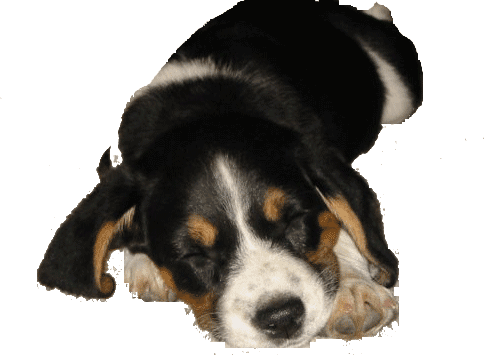
  5. Reduced puppy to 15% original size and from 128 colors to 64 colors
  6. Optimized for web from 64 colors to 128 colors and reduced filesize from 164kb to 84.81kb with interlacing


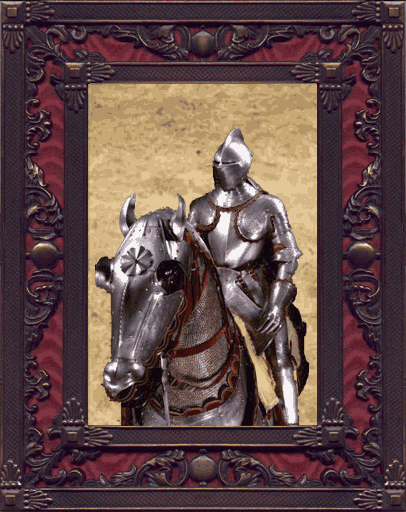
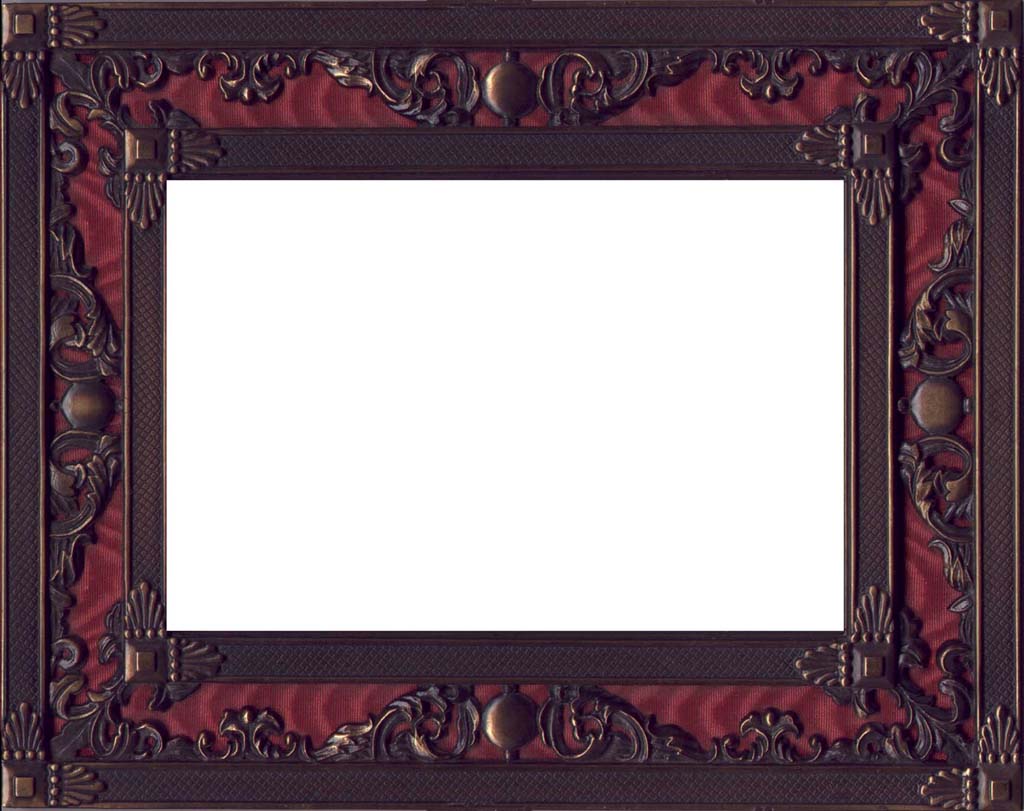
  1. Copied frame to new file and rotated canvas 90° clockwise
  2. Used magic wand tool to select the inside white portion of the frame and copied equal portion of parchment area, then pasted into frame inner area
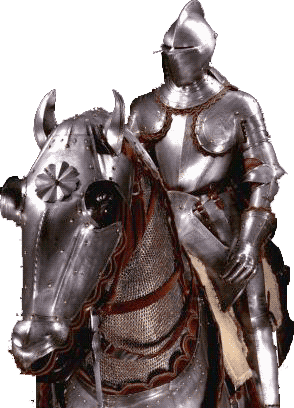
  3. Added transparent knight figure at 45% original size
  4. Flattened all layers
  5. Optimized for web from 256 colors to 128 colors and reduced filesize from 994kb to 108kb with interlacing


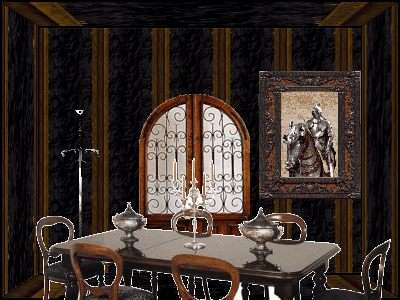
  1. Copied portal room to new image
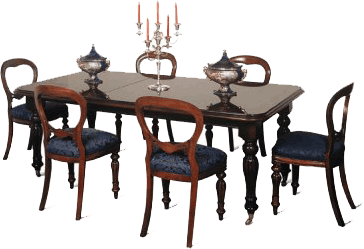
  2. Added the table at original size
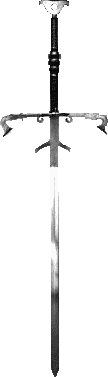
  3. Added the sword at 35% original size
  4. Added the final edited frame with the knight in it at 25% original size
  5. Optimized for web from 256 colors to 128 colors and reduced filesize from 79.08kb to 76.9kb with interlacing


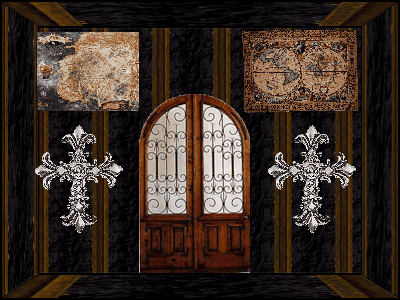
  1. Copied portal room to new image
  2. Added the Wheel of Time map at 20% original size and color faded it 5%
  3. Added the old map at 15% original size
  4. Added the two crosses at 25% original size each
  5. Optimized for web from 256 colors to 128 colors and reduced filesize from 79.38kb to 76.7kb with interlacing


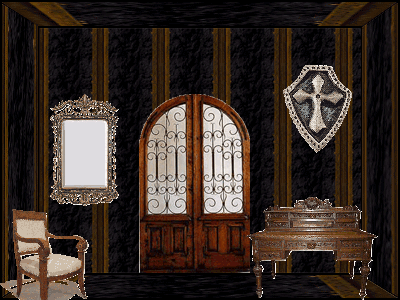
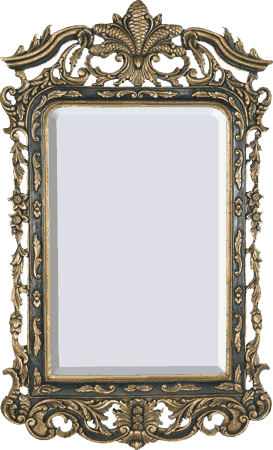
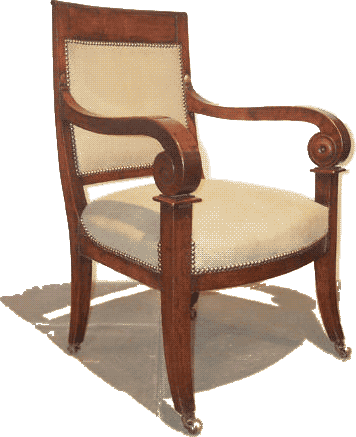
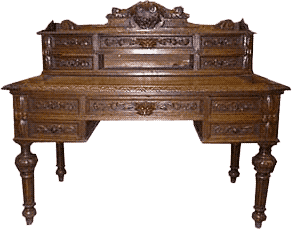
  1. Copied portal room to new image
  2. Added the desk at 40% original size and auto-colored for more natural tone
  3. Added the mirror at 25% original size
  4. Added the shield at 20% original size
  5. Added the chair at 25% original size
  6. Optimized for web from 256 colors to 128 colors and reduced filesize from 82.66kb to 73.18kb with interlacing


Legend:

#_C_S Starting color palette
#_C_E Ending color palette
File_S Starting filesize
File_E Ending filesize

  #_C_S #_C_E File_S File_E
256 8 92.41kb 28.13kb
256 64 76.23kb 50.41kb
256 64 75.4kb 64.2kb
256 32 72.05kb 34.97kb
256 128 33.6kb 43.7kb
128 - 105kb -
128 - 33.9kb -
256 64 91.13kb 60.43kb
256 128 34.93kb 29.28kb
256 32 24.9kb 2.53kb
256 8 92.41kb 28.13kb
256 - 57.4kb -
256 64 307kb 169kb
128 16 84.77kb 36.99kb
256 32 65.54kb 34.79kb
256 32 36.8kb 34.9kb
256 32 36.13kb 18.68kb

Back to Project 3 North


© April 28, 2004 Danielle Monnier